Short · 30 words
TypeCount is a private keystroke counter for Windows 10 and 11. It counts how many keys you press, never which ones, and shows the total in a calm desktop widget.
Press kit
The facts, the logo, real screenshots and the trailer, in one place. Everything here is free to use in coverage.
Fact sheet
Descriptions
TypeCount is a private keystroke counter for Windows 10 and 11. It counts how many keys you press, never which ones, and shows the total in a calm desktop widget.
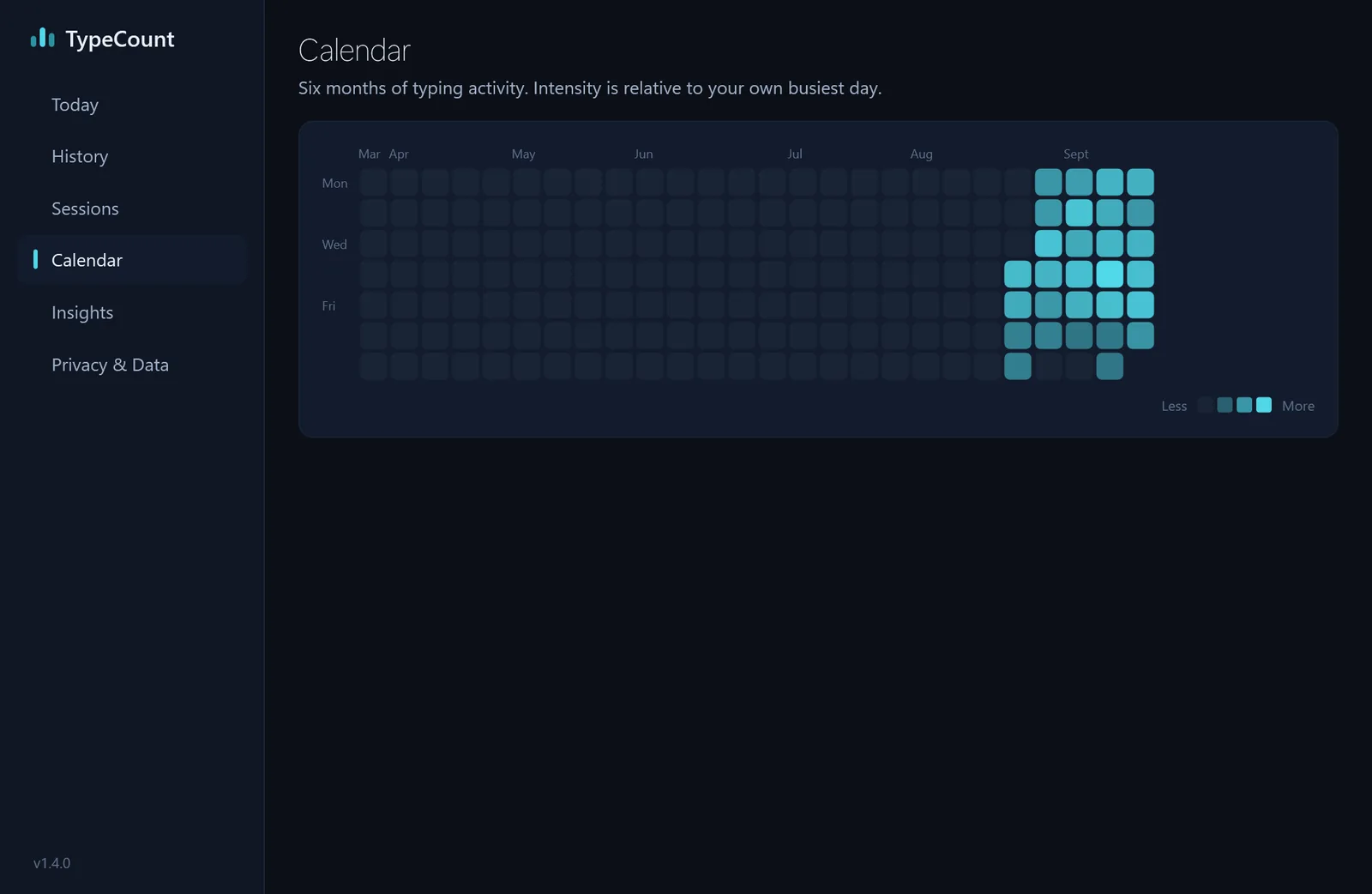
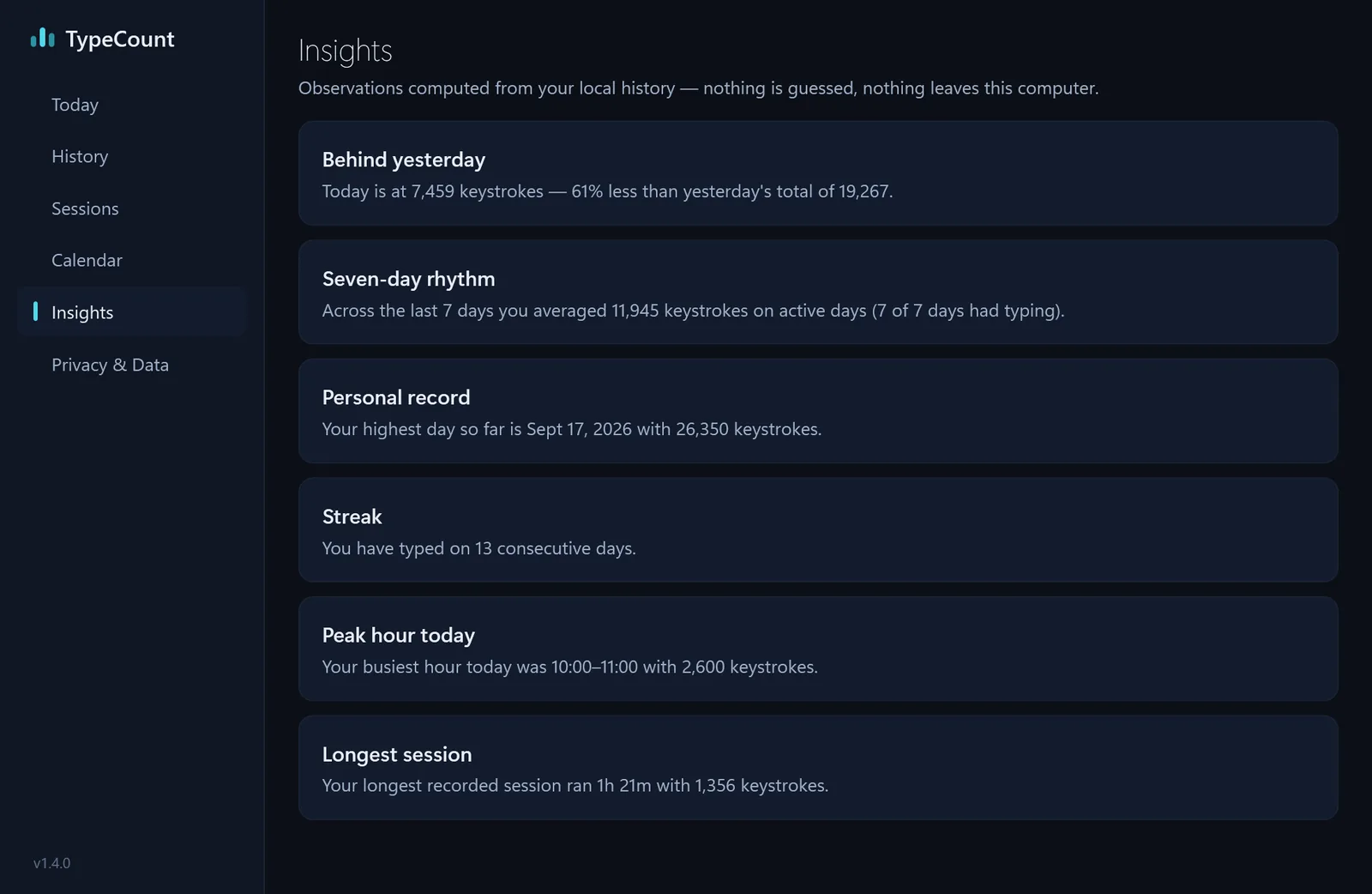
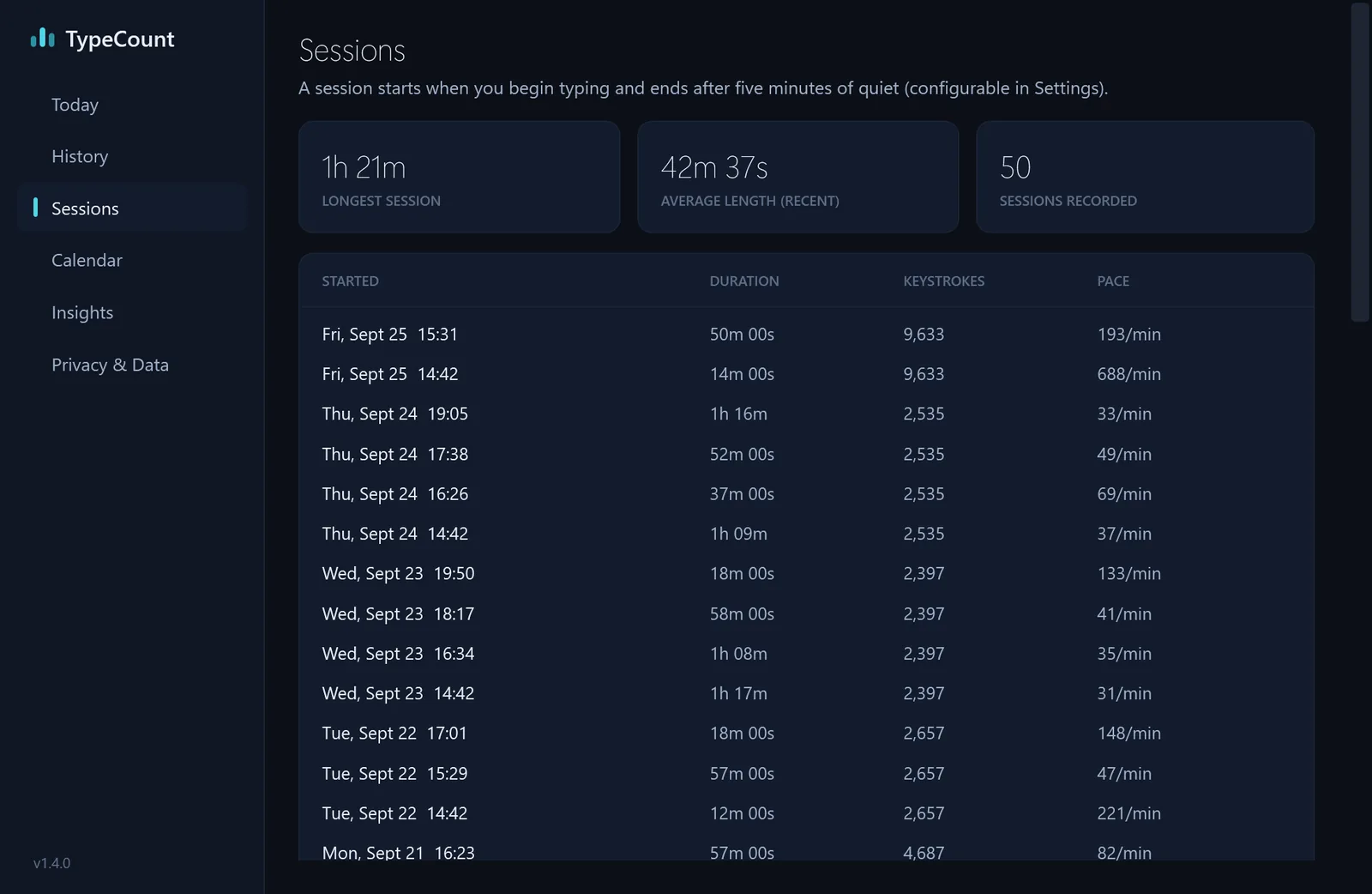
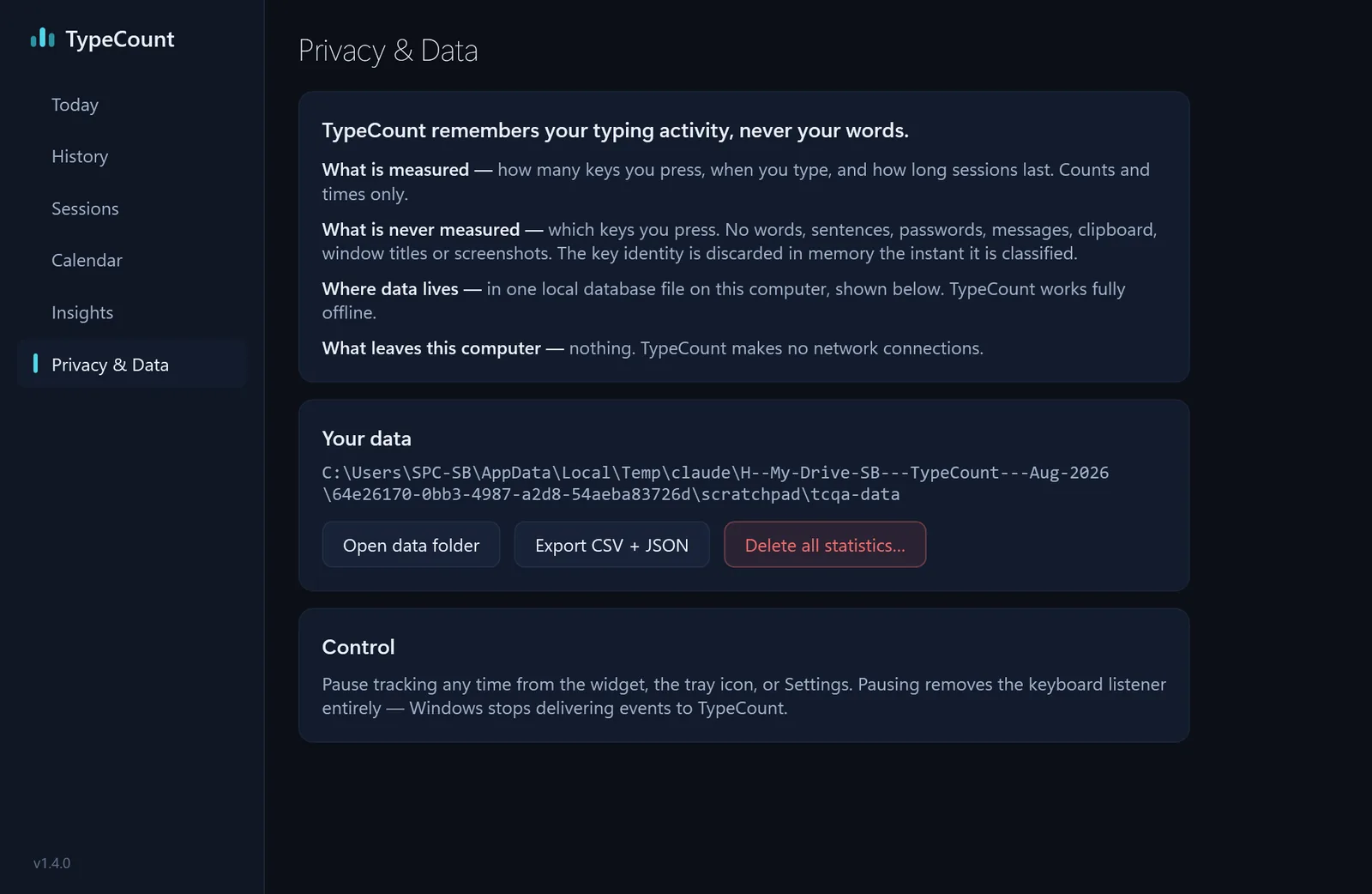
TypeCount is a private keystroke counter for Windows 10 and 11, made by Sudarshan Bohra in Chennai. It counts how many keys you press, never which ones: no words, passwords or screenshots are ever kept. A small widget shows today’s count and pace, and a dashboard shows hours, days, sessions and a six-month calendar. There is no account and no cloud, and it makes no network connections. It is free for 30 days on the Microsoft Store, then a one-time US$0.99 (₹74 in India).
I wanted to see how much I really type in a day without installing anything that reads what I type. So I built the one counter I'd trust: it counts the keys and forgets them.
Logos
Four bars rising, the green live dot above the tallest. Please don’t recolour, stretch or add effects.
Colours: navy #0B0F17 · cyan #4FD8E8 · teal #2A8FA0 · live green #59D89A. The app is set in Segoe UI Variable; this site in Manrope.
Screenshots
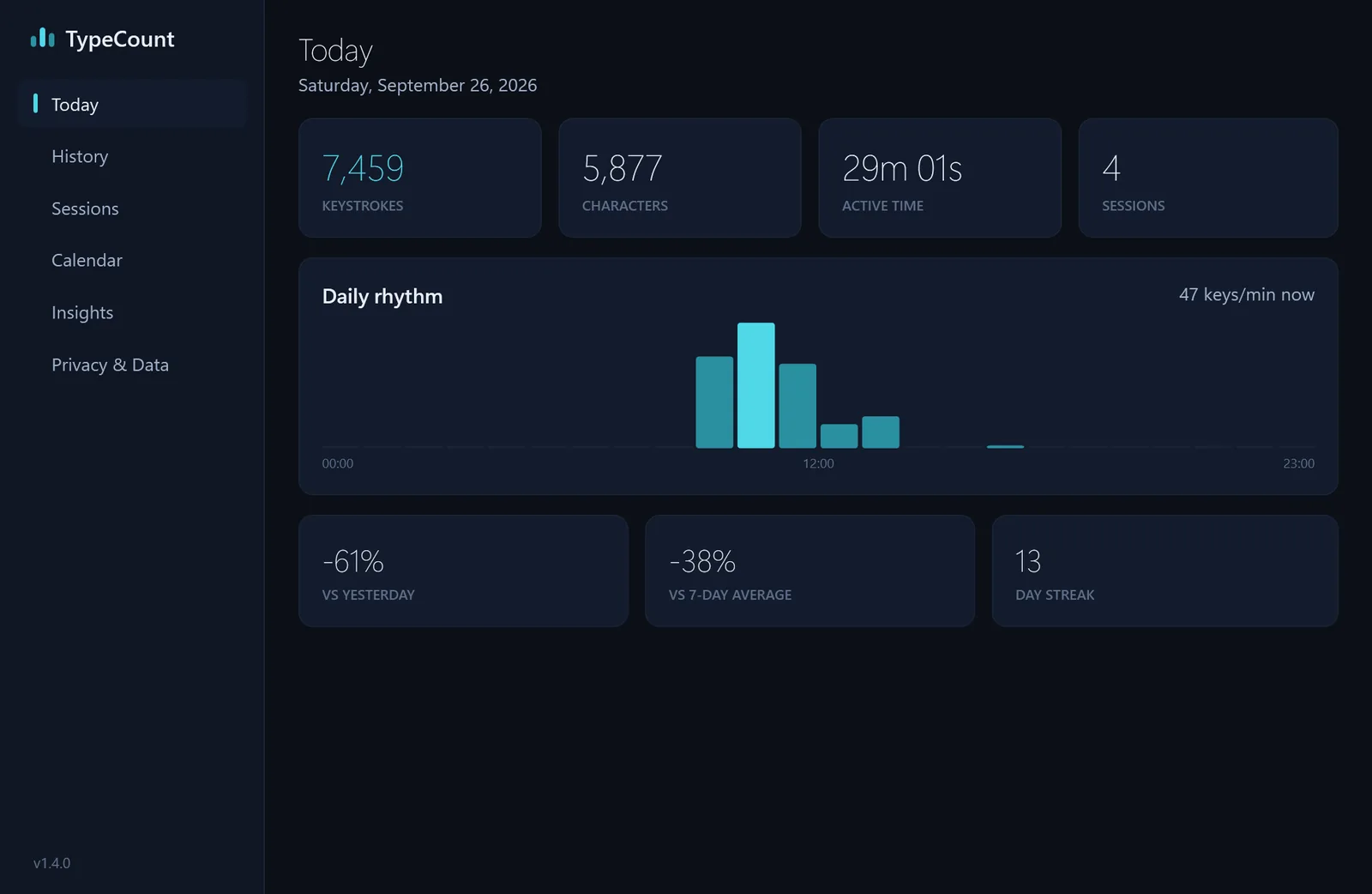
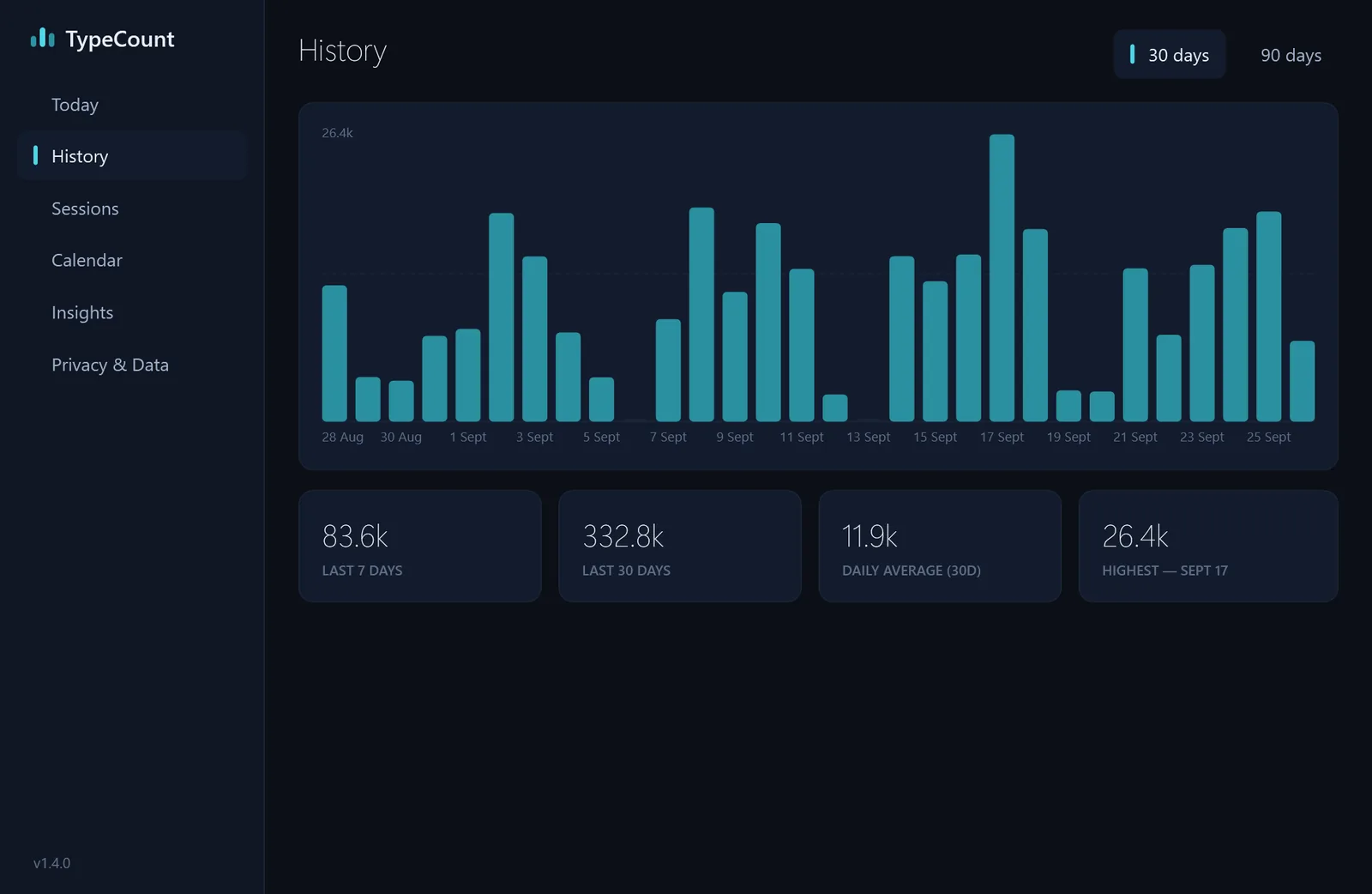
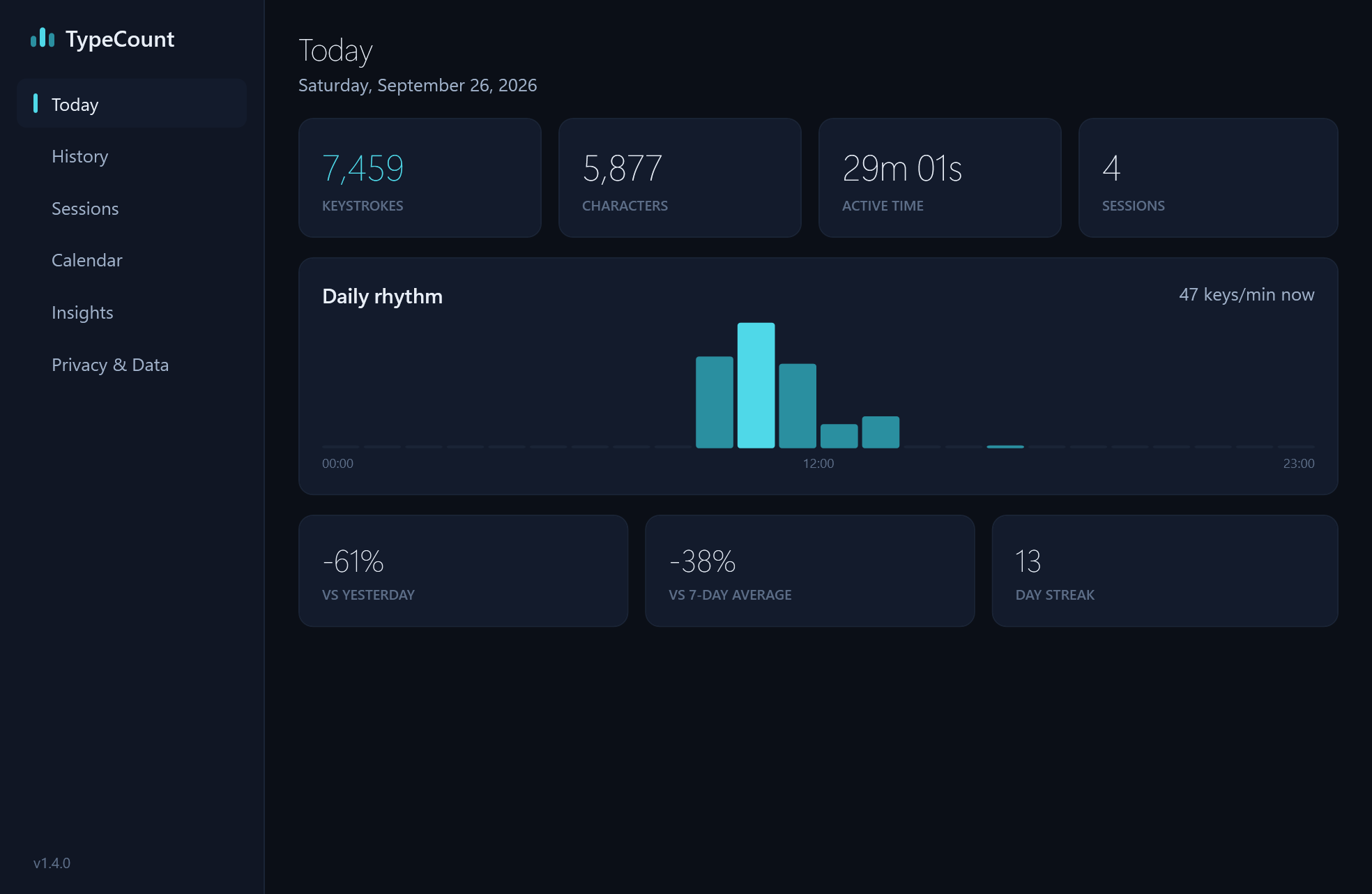
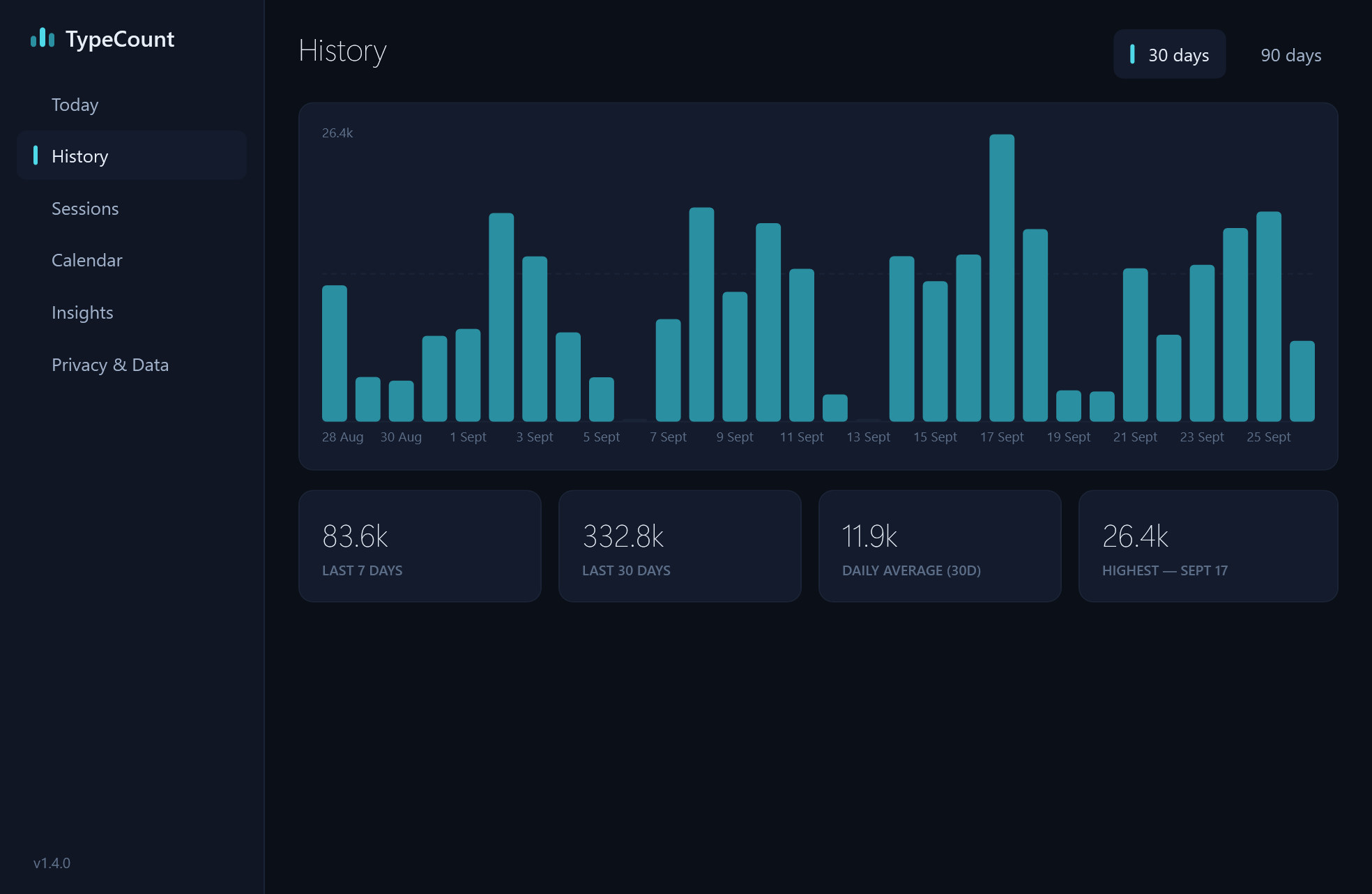
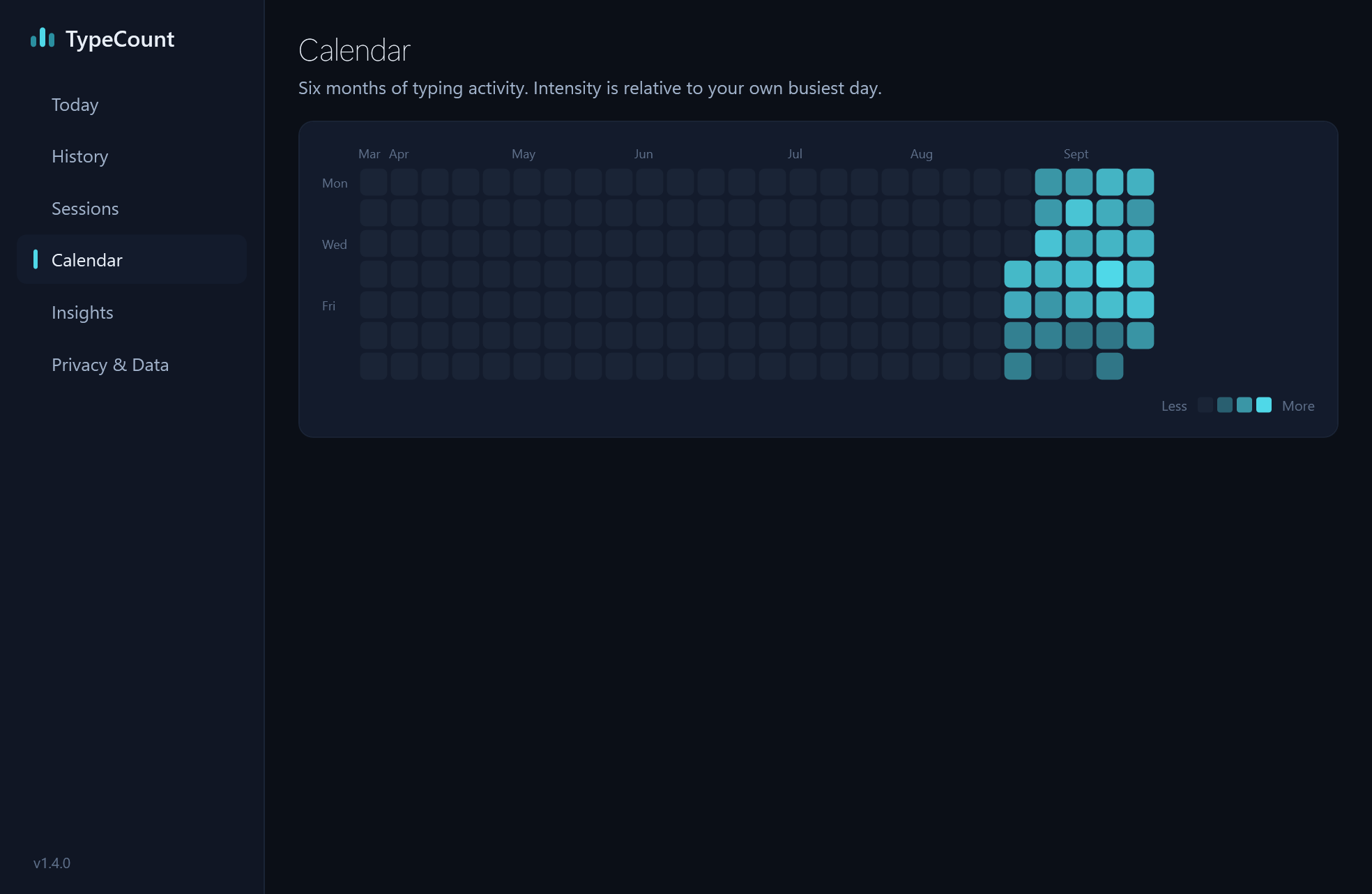
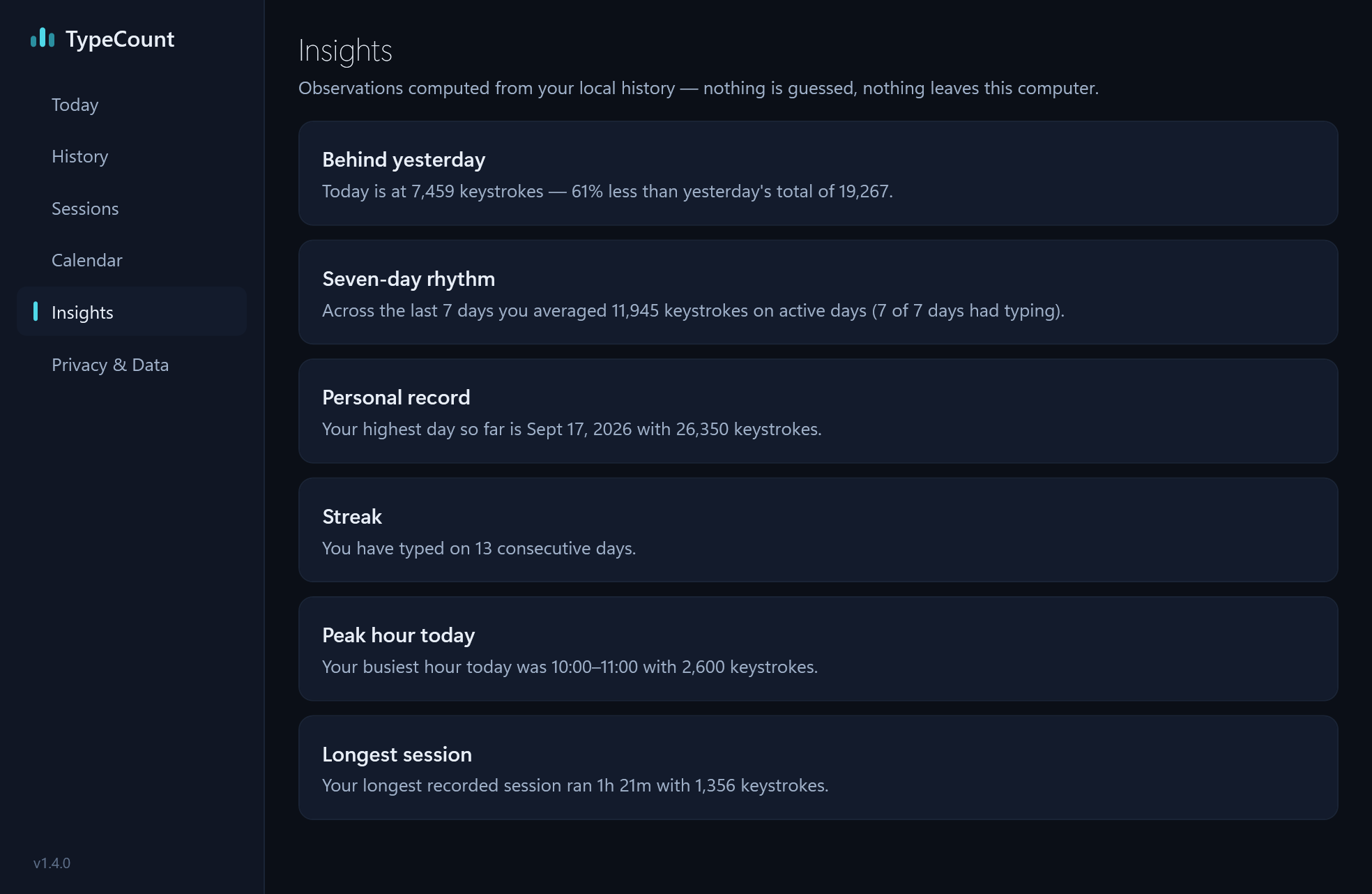
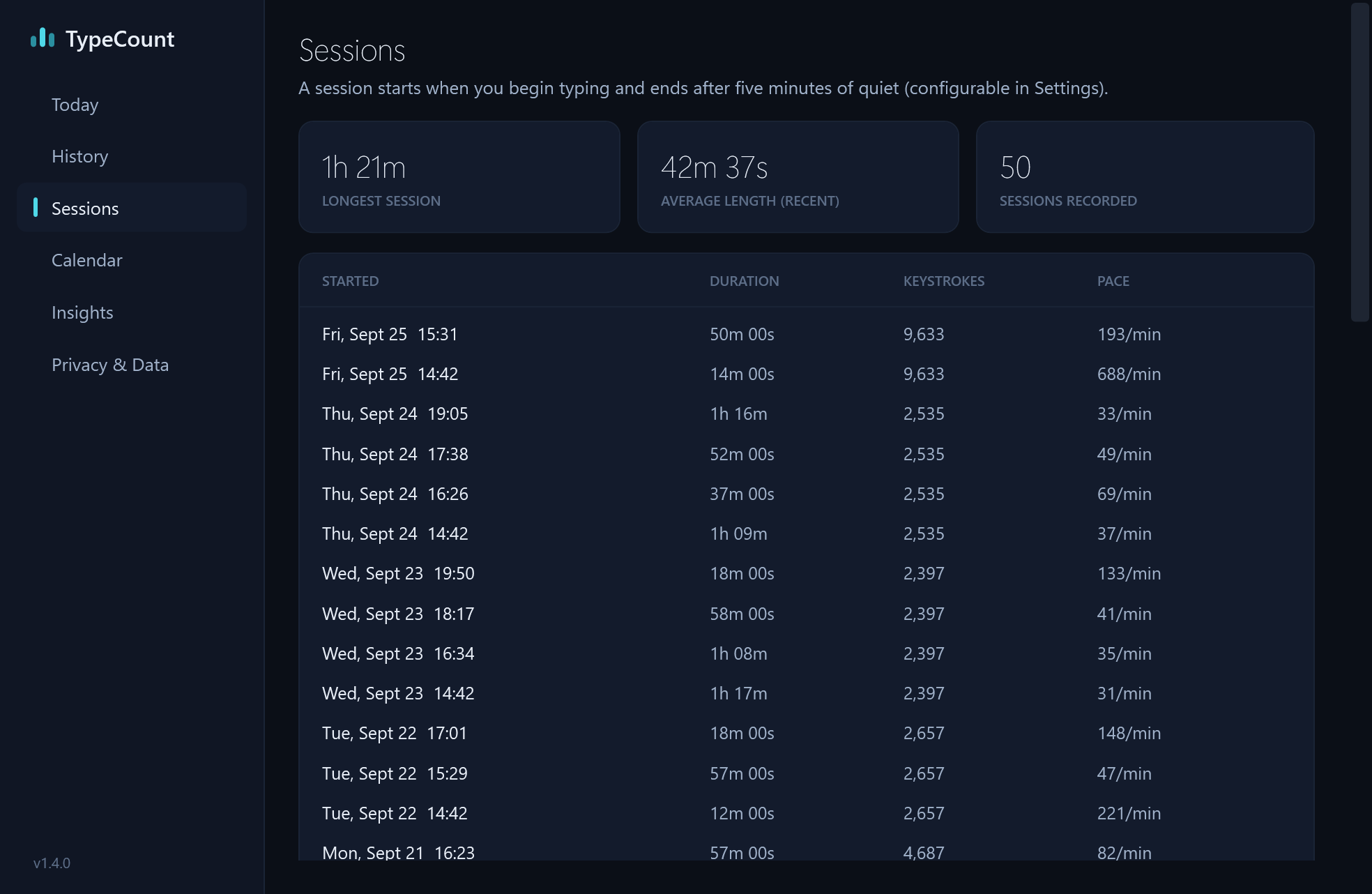
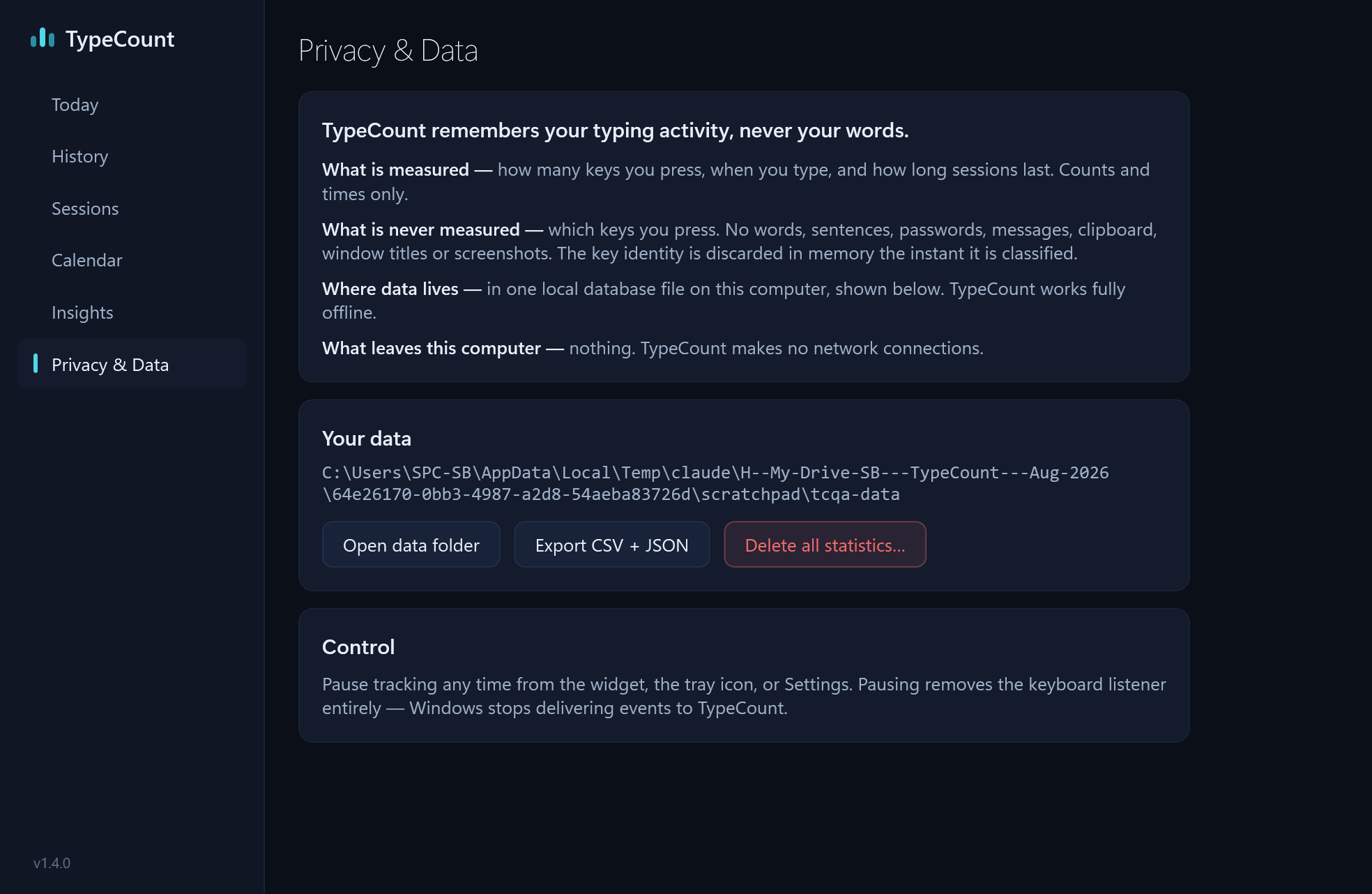
Captured from TypeCount on Windows 11 at 1968 × 1282. The numbers in them are demo data.
Trailer
1920 × 1080 · 40 seconds
H.264, MP4
The widget counting keys as they are pressed, the dashboard’s views, and what it never keeps.
Download MP4Contact

Free for 30 days, then US$0.99 once.
Windows 10 (version 1809 or later) or Windows 11, 64-bit
You may use these logos, screenshots, the trailer and the copy above in articles, reviews and videos about TypeCount. Screenshots show demo data. Windows and Microsoft Store are trademarks of Microsoft.